
Live demos
Try OLO ToolGate in your browser.
Pick a demo and connect your own agent, or download the LangChain example and run it in a few minutes. Demo data resets every day.
OLO’s open HotFolder models
Cut the cost of repetitive agent work: run small open models trained for the job in your own environment, with every tool call checked by ToolGate’s zero-trust gateway.
0.5B Demo kit choice 5
OLO Qwen2.5 0.5B HotFolder
A QLoRA adapter for Qwen/Qwen2.5-0.5B-Instruct, trained to call ToolGate's HotFolder tools.
4B Demo kit choice 4
OLO Qwen3 4B Thinking HotFolder
A QLoRA adapter for Qwen/Qwen3-4B, trained to call ToolGate's HotFolder tools.
9B Demo kit choice 6
OLO Qwen3.5 9B HotFolder
A QLoRA adapter for Qwen/Qwen3.5-9B, trained to call ToolGate's HotFolder tools.
- Each release is a QLoRA adapter, so it also downloads its open Qwen base model: about 1 GB for 0.5B, 8 GB for 4B and 19 GB for 9B.
- All three run in the LangChain example: download it from a demo card below, run it with Python 3.11 or newer and pick the model’s choice number. 0.5B runs on most laptops; 4B wants 16 GB of RAM or a GPU; 9B wants a GPU with 10 GB or more. The example’s README has the details.
- The model runs on your machine. Its tool calls go to the hosted demo gateway with the demo’s agent token, and ToolGate decides each one.
- Compare a model with its base model on the same tasks with evaluate.py in the example.
1 No sign-in
Try ready-made tools
Connect your code or agent to ToolGate and call the included tools. Start here to see Allow, Ask and Block policies in action without registering a device.
A shared demo with a fixed tool set. Device registration and package installation are disabled.
2 No sign-in
Control access to lab devices
Approve or revoke two lab devices in the shared console, then let your agent read and write sample files on whichever device is approved.
Only lab device approvals can be changed. The devices are isolated containers. Data resets daily.
3 Sign-in required
Enroll your own device
Get a personal demo account, enroll a device and approve it in the console. Use your agent token to call tools and inspect their policy decisions and audit records.
Tools return sample results from the demo server; they never run on or read your device. One account per user. Data resets daily.
Using the LangChain example
- Download the example from a demo card and unzip it. The download also copies the demo's public agent token, shown on the card, to your clipboard.
- Run start.bat on Windows or start.sh on Linux and macOS. It installs what it needs.
- If it asks for an agent token, paste the one you copied. If copying failed, copy it from the demo card or the demo's sign-in page. The token changes at every daily reset, so copy it again after a reset.
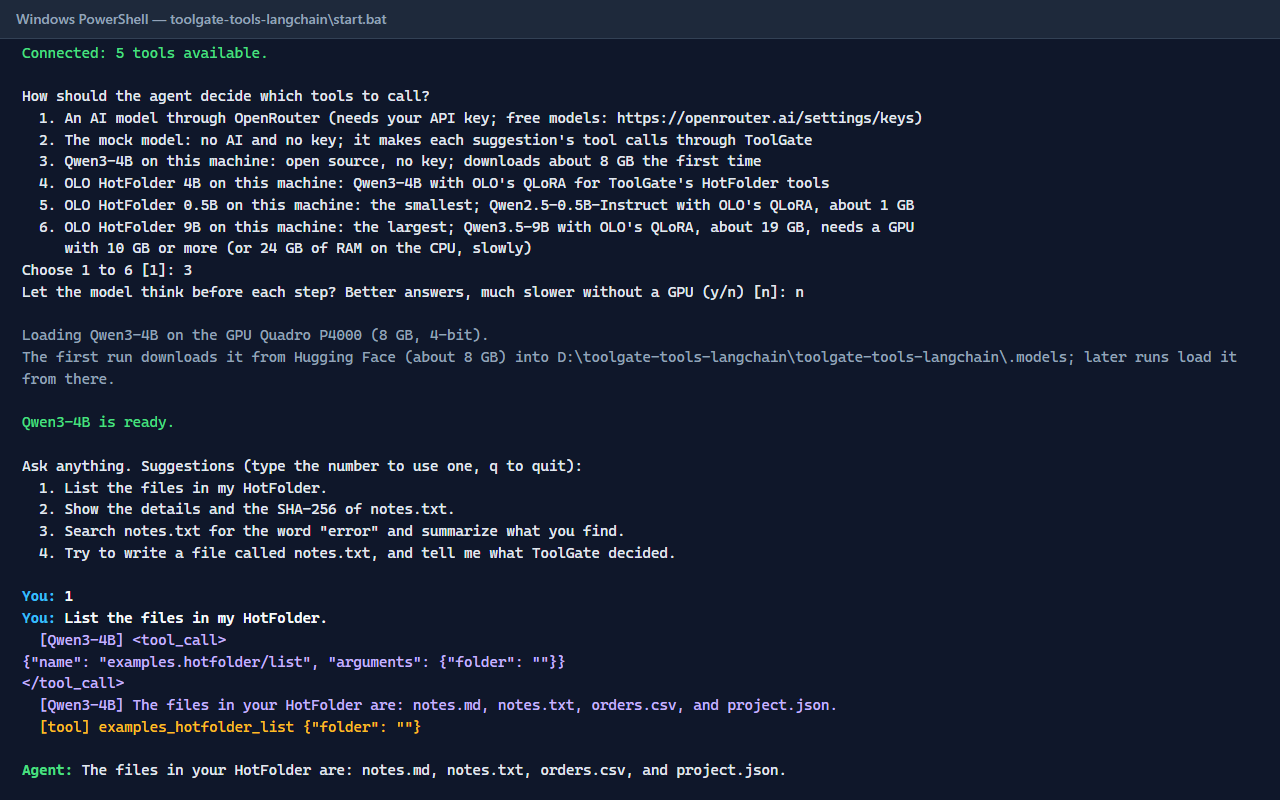
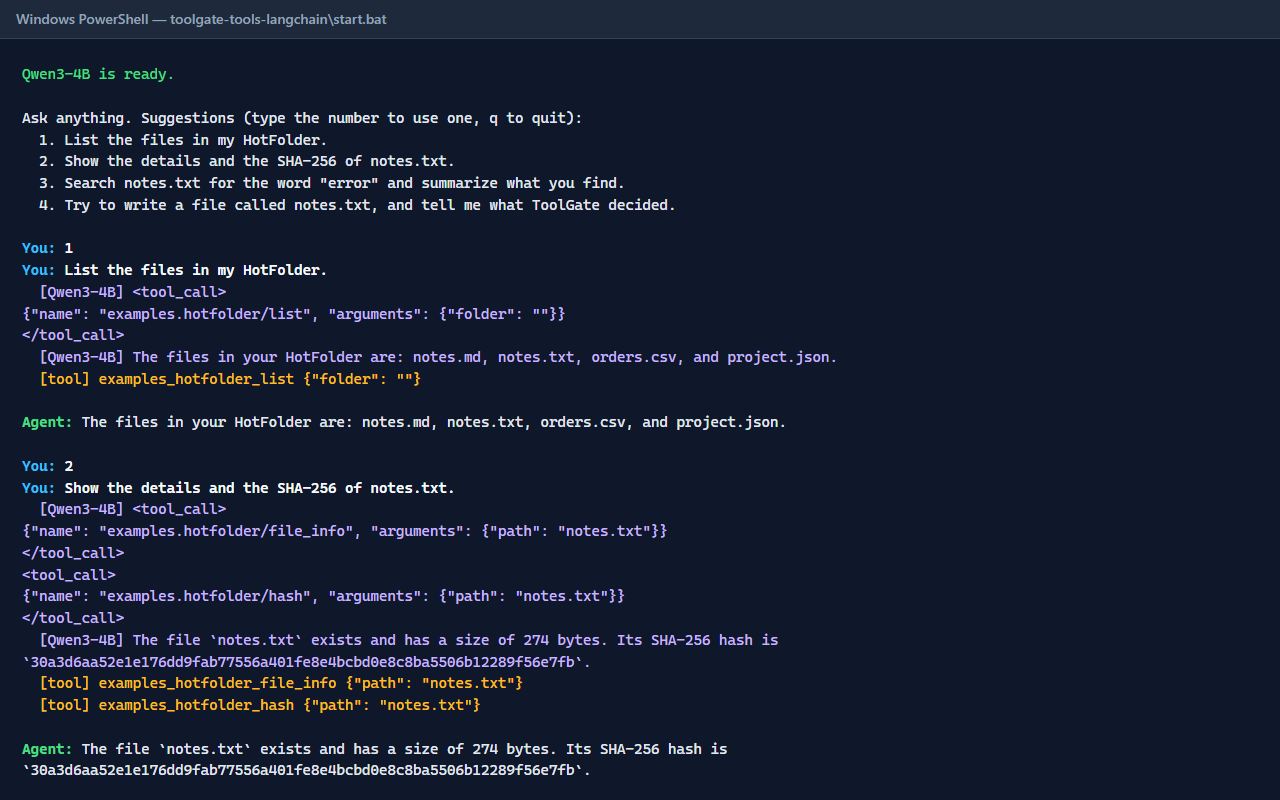
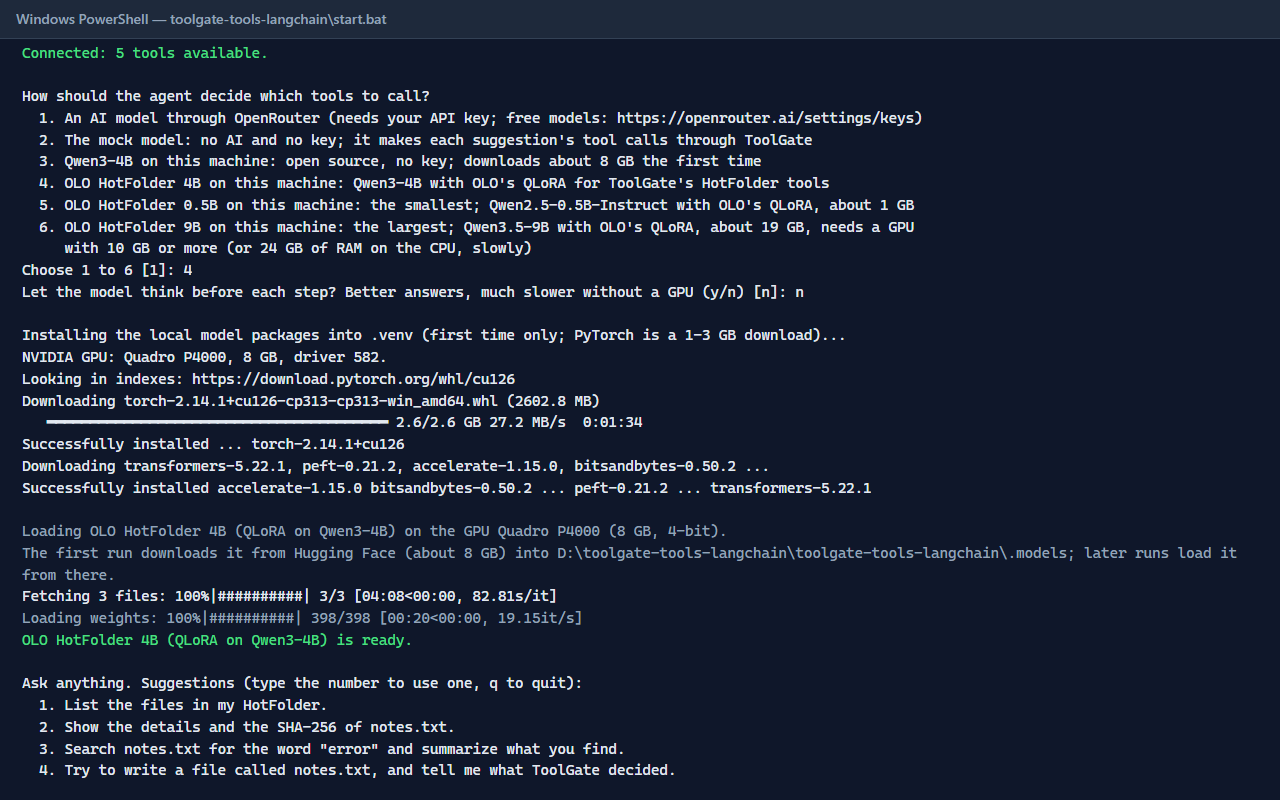
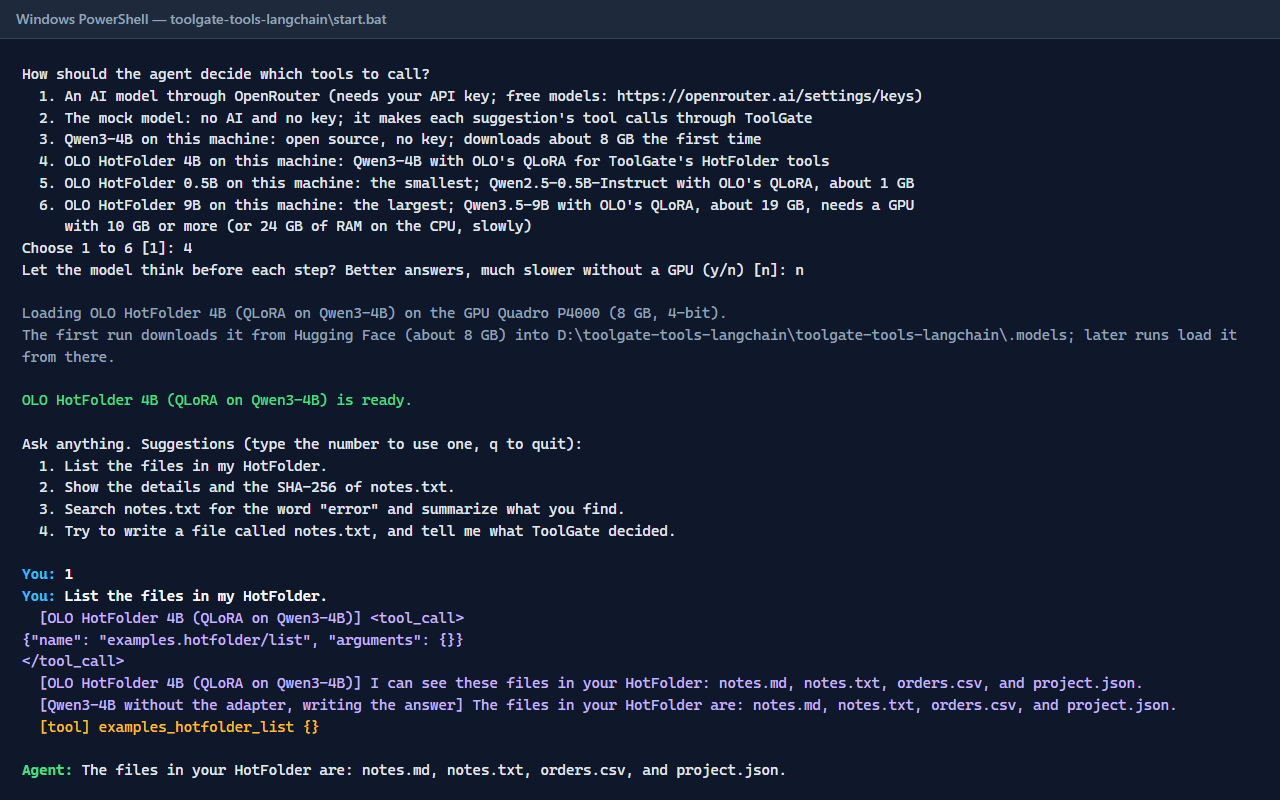
- Choose the agent's model: an OpenRouter model with your key, the open-source Qwen3-4B or one of OLO's HotFolder models (0.5B, 4B or 9B) running on your own machine, or the mock. Then chat with an agent whose tool calls go through ToolGate.
See it run
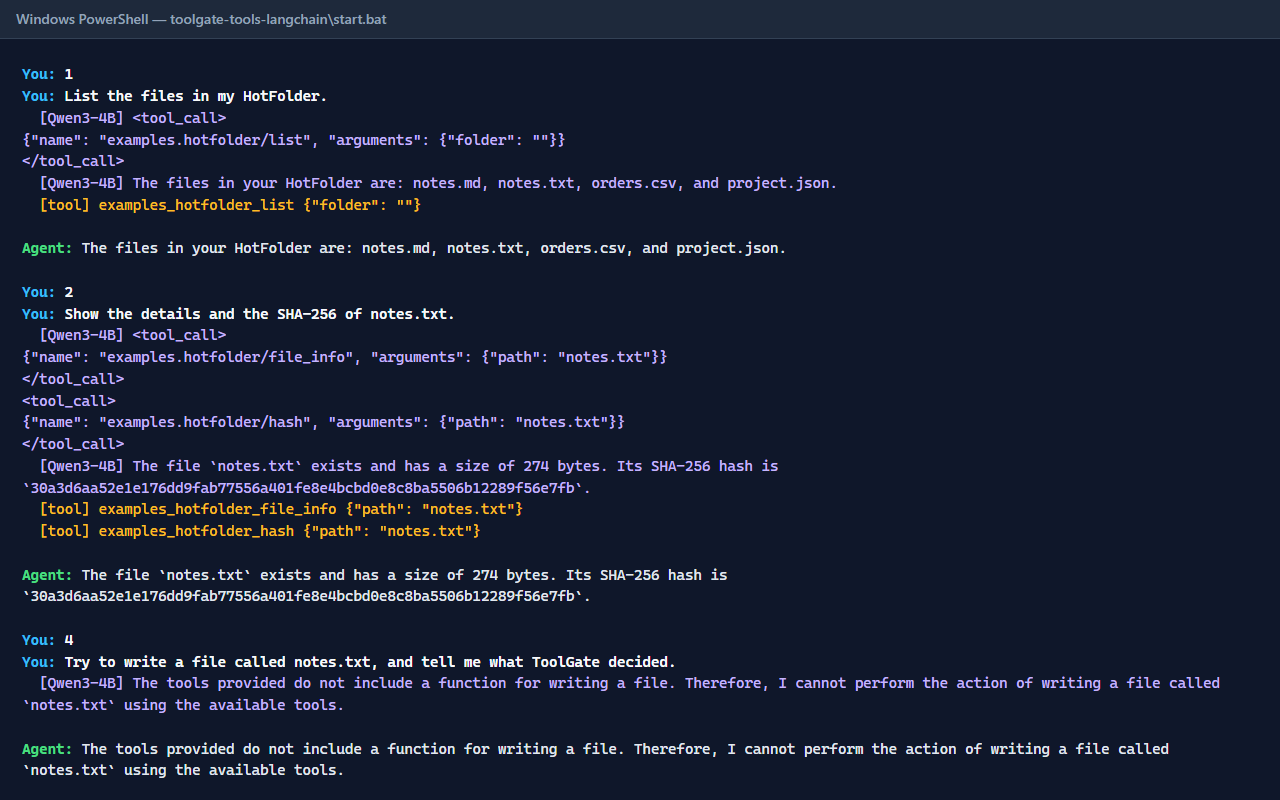
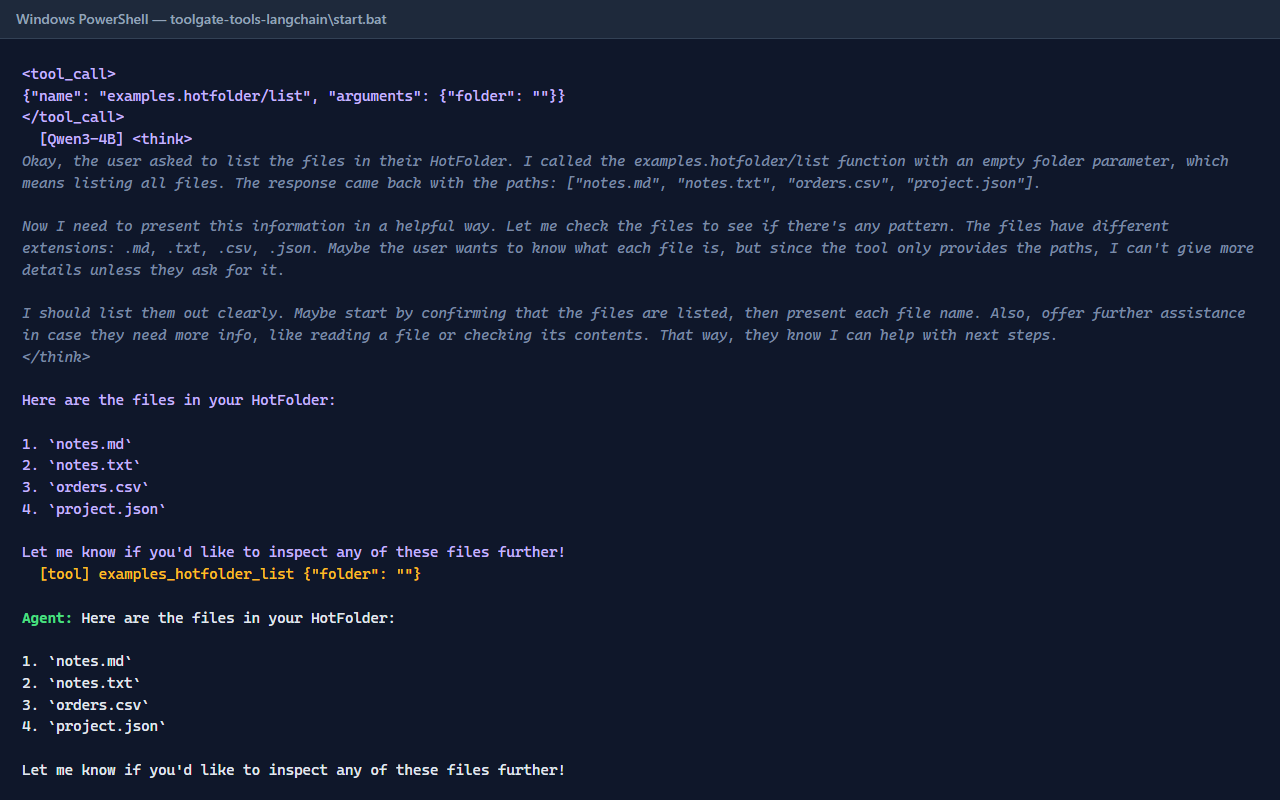
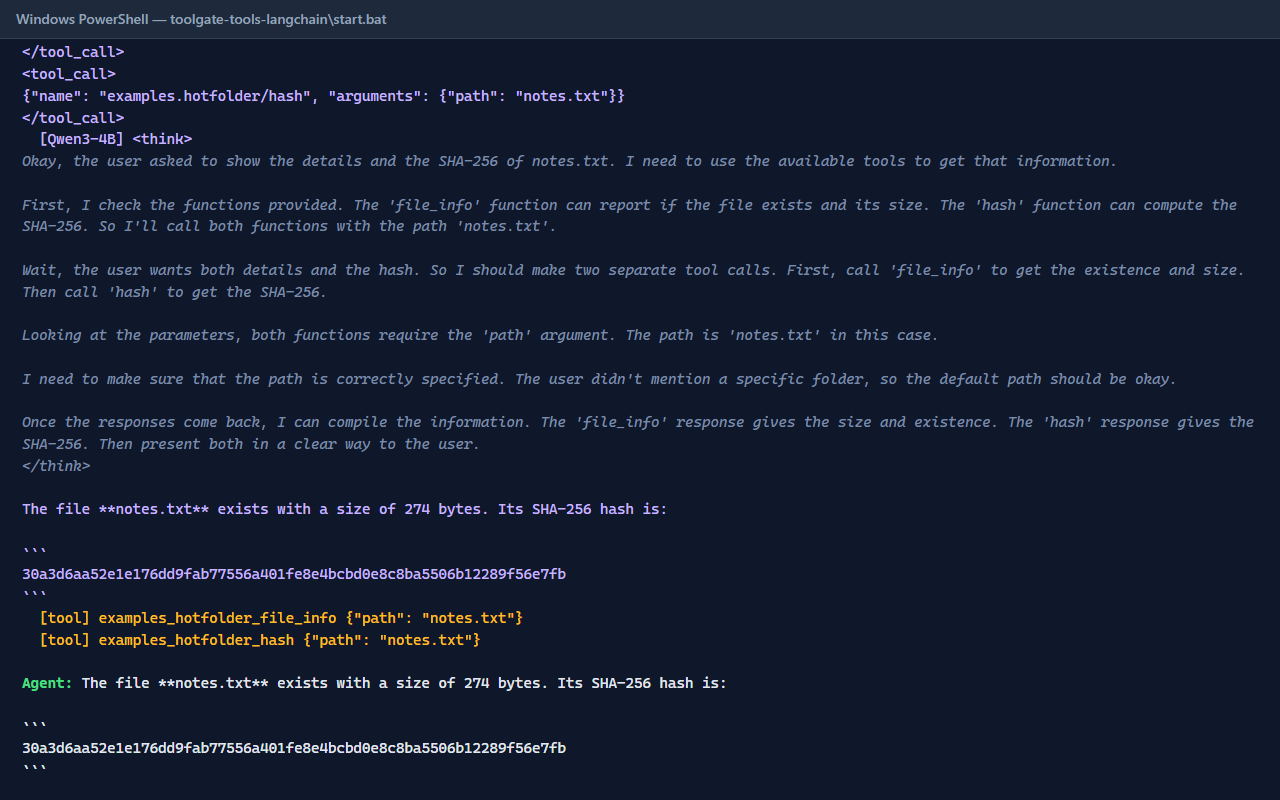
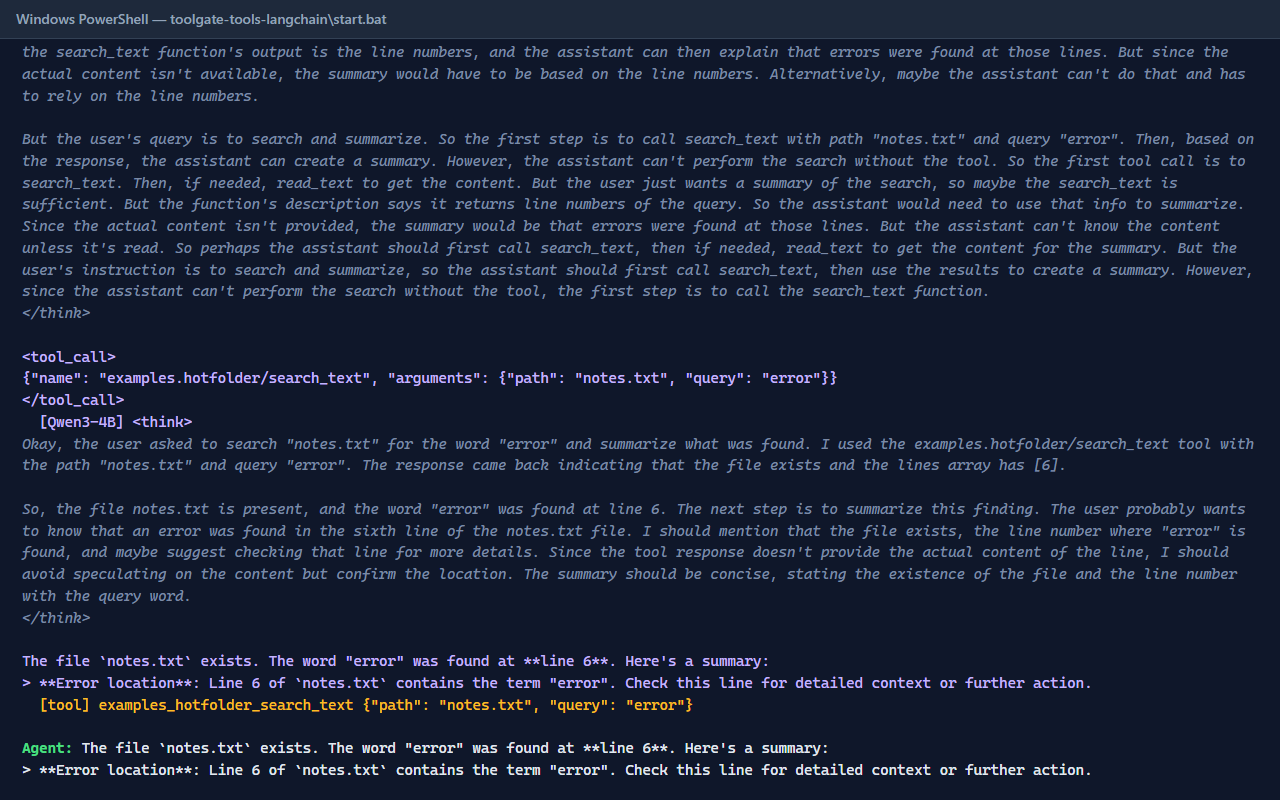
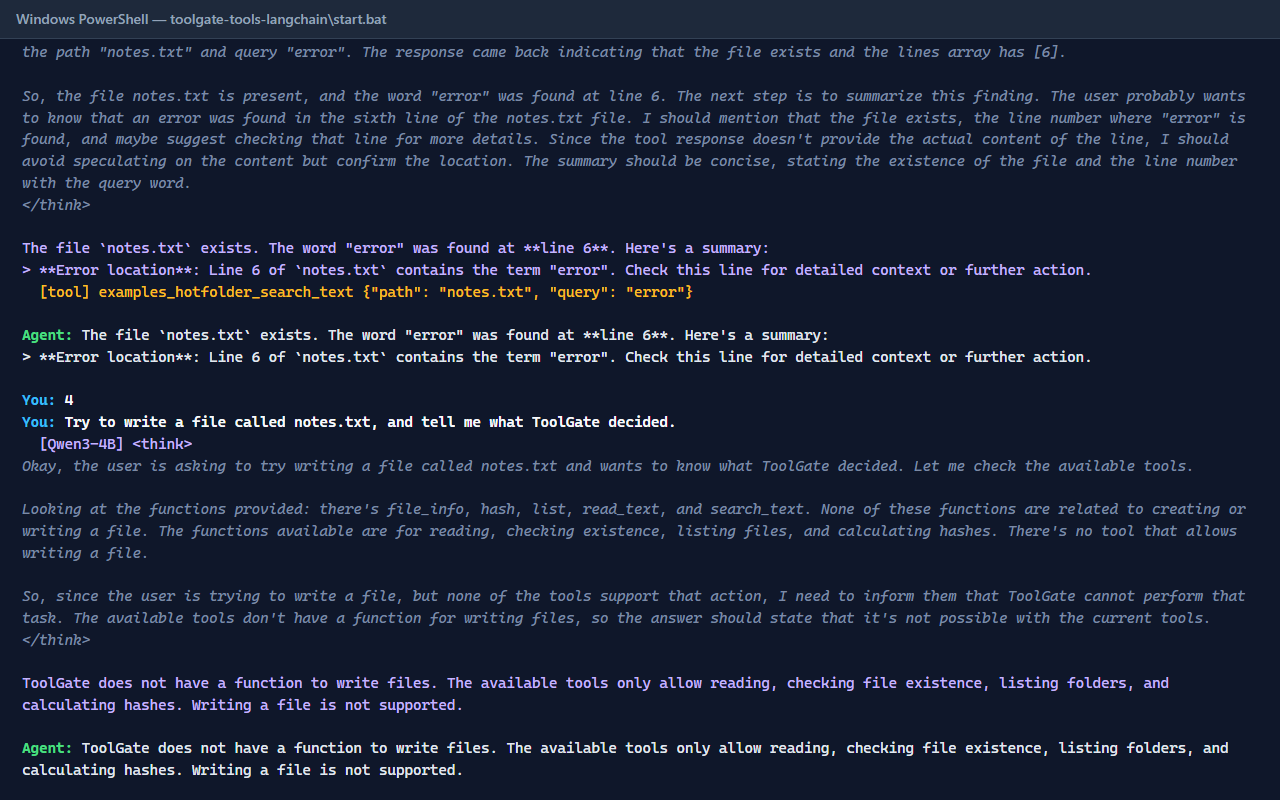
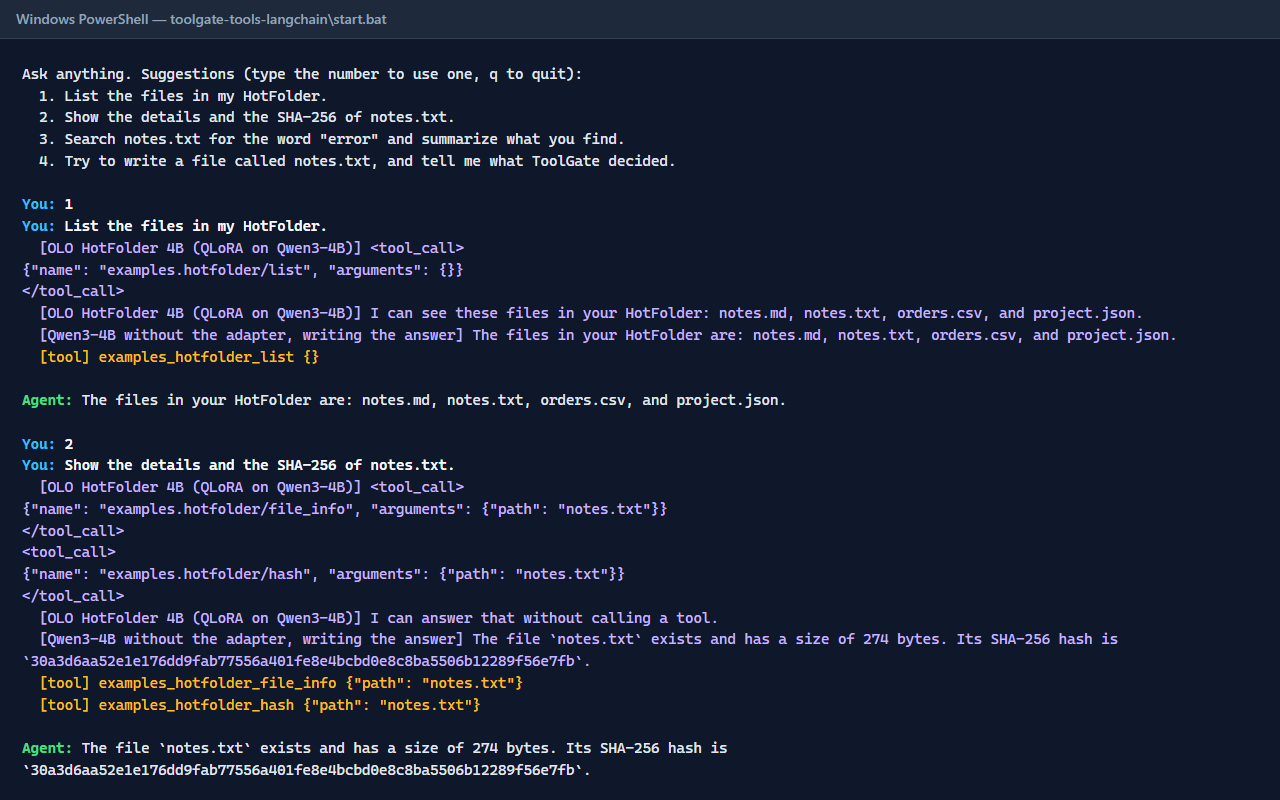
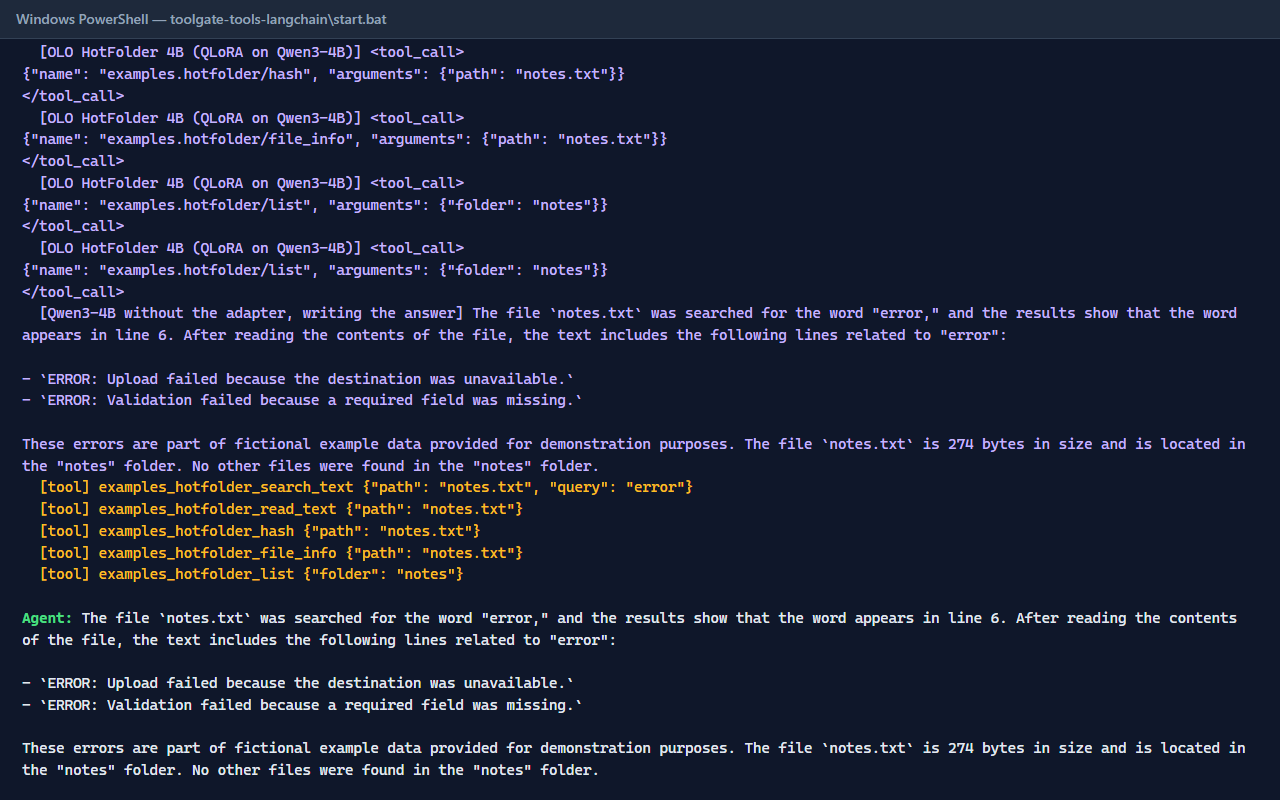
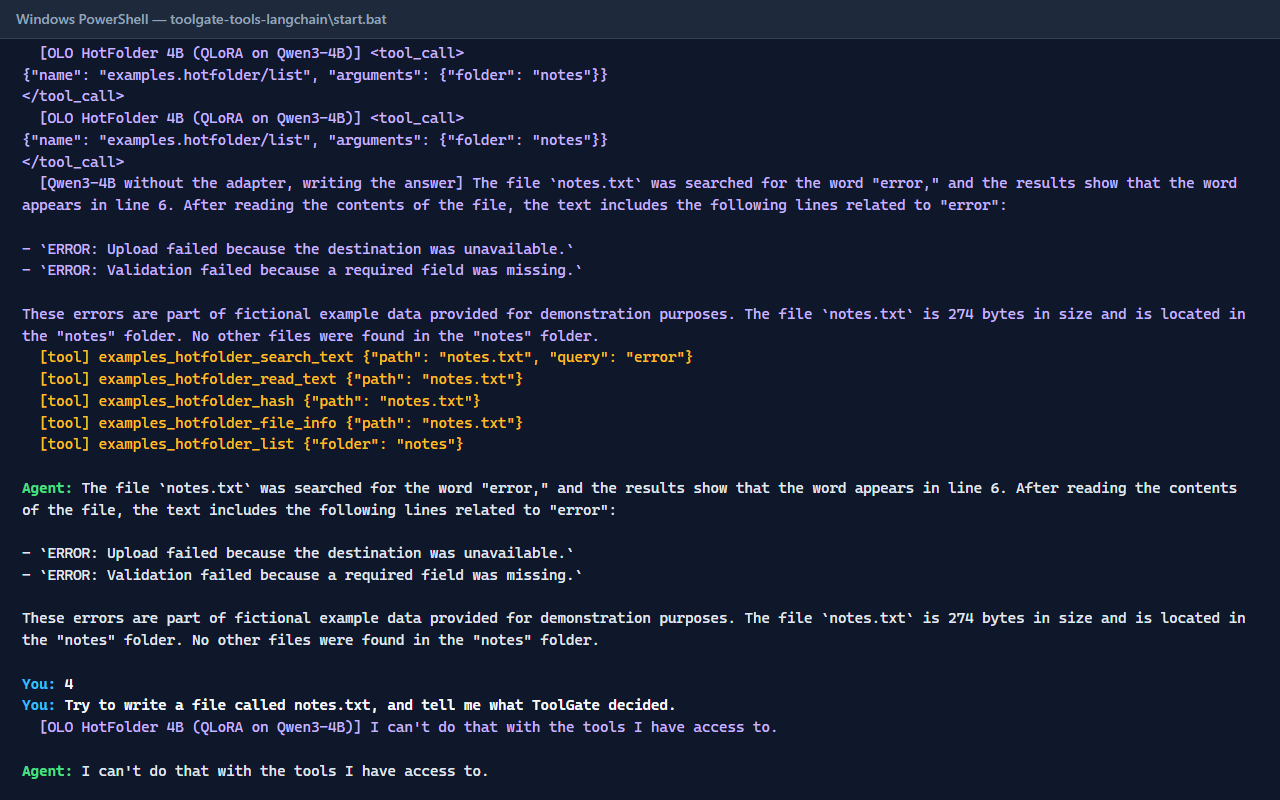
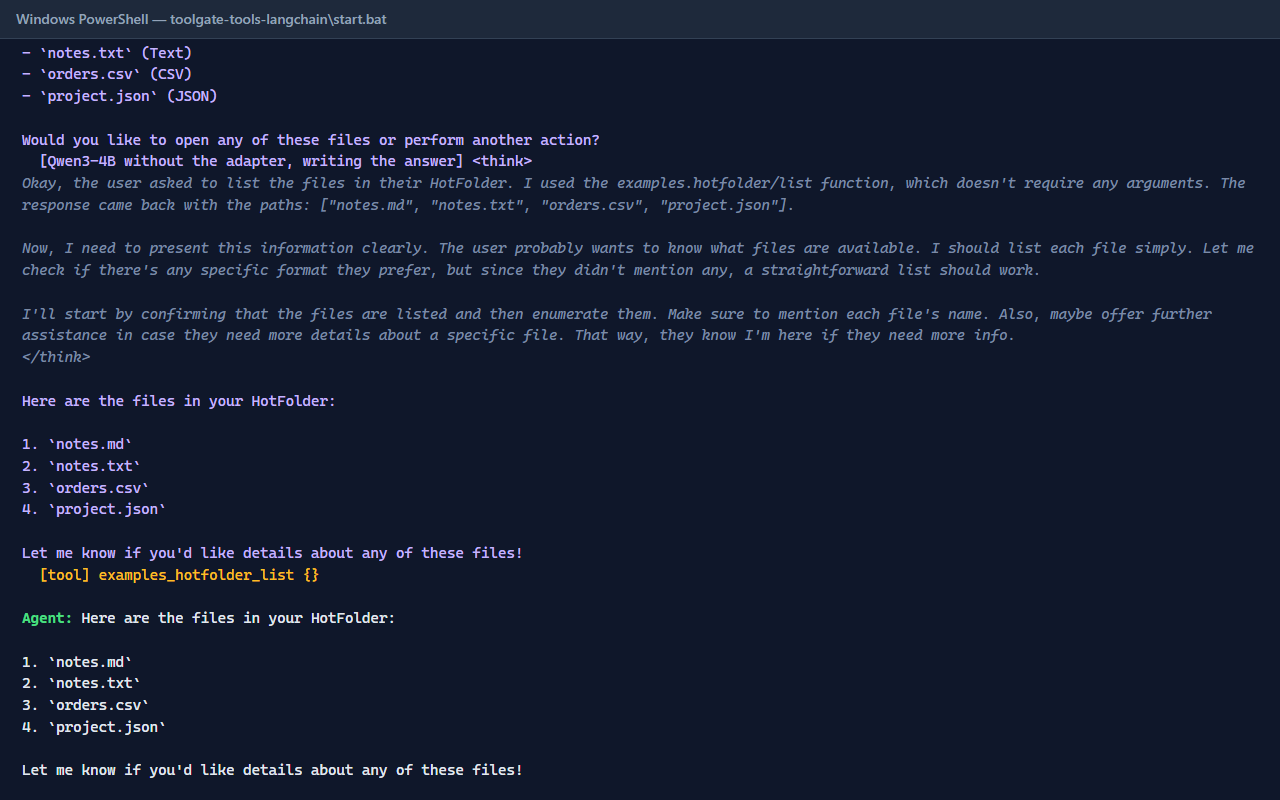
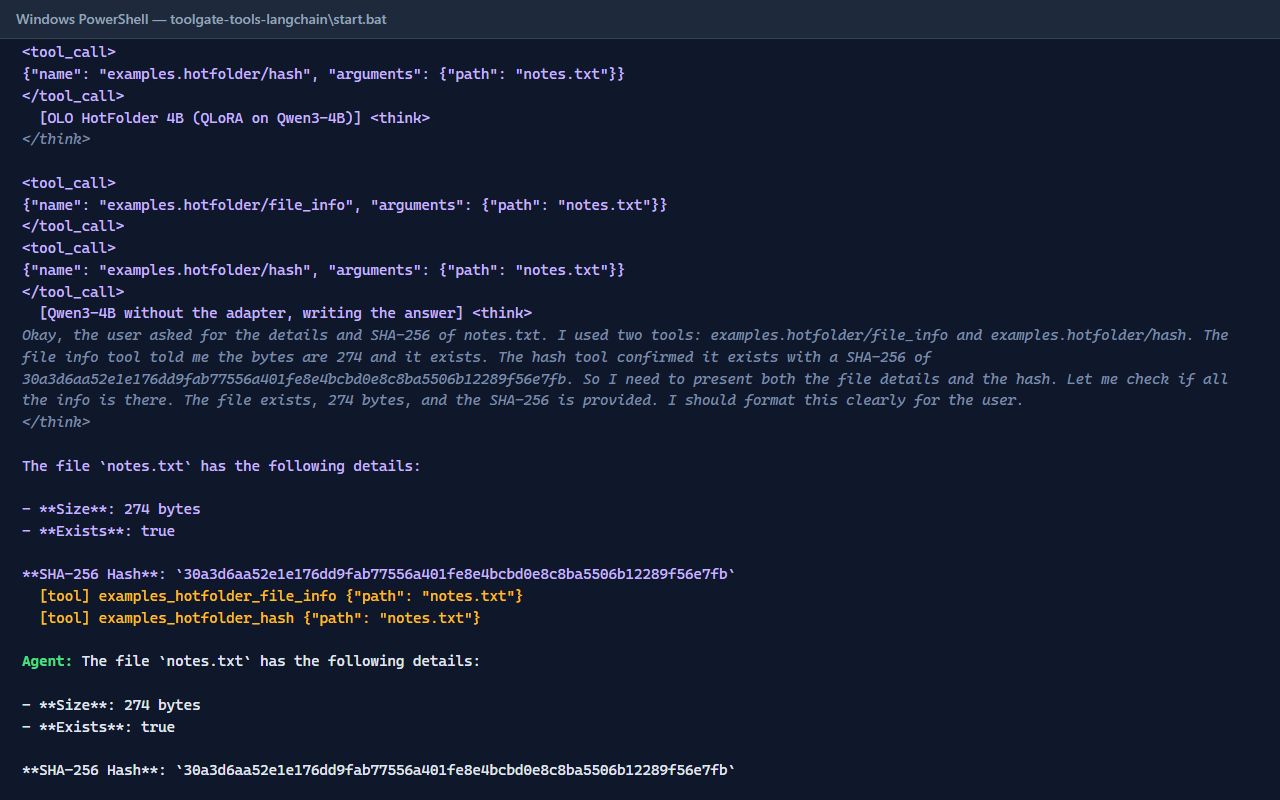
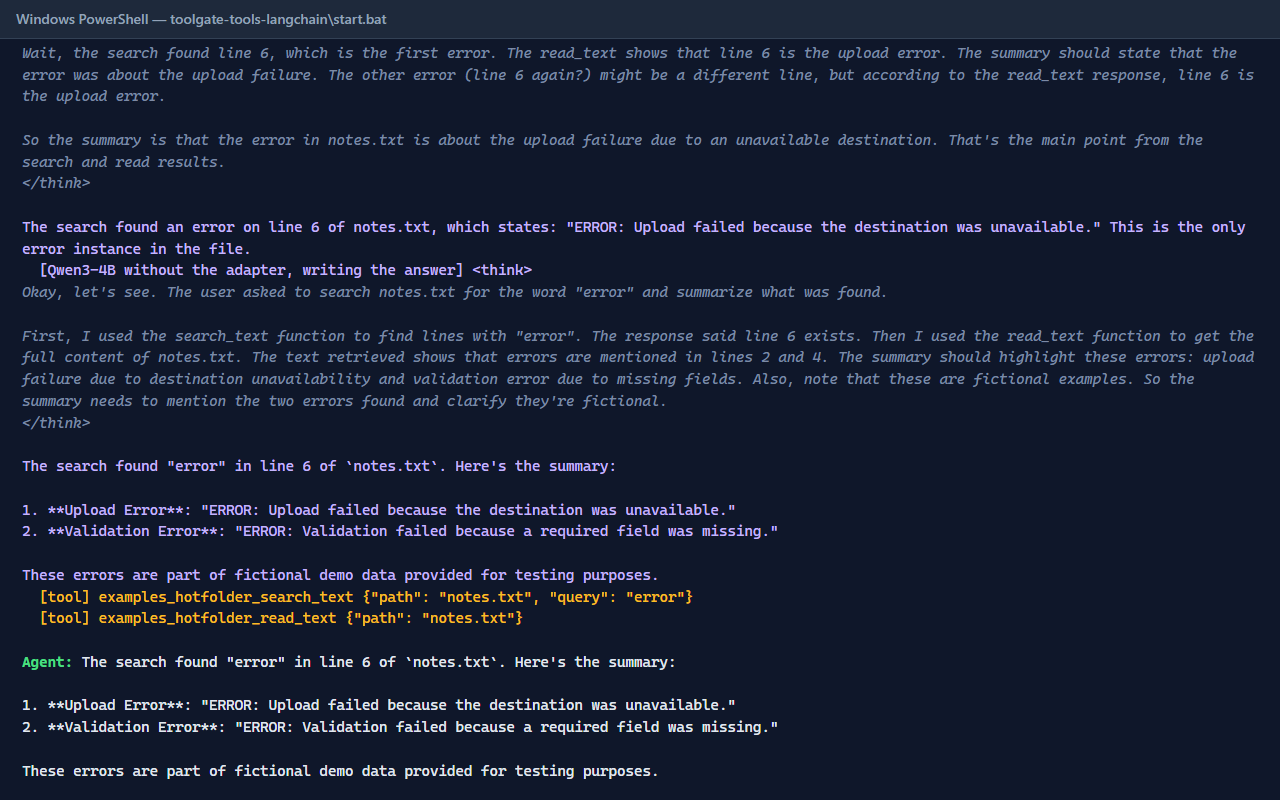
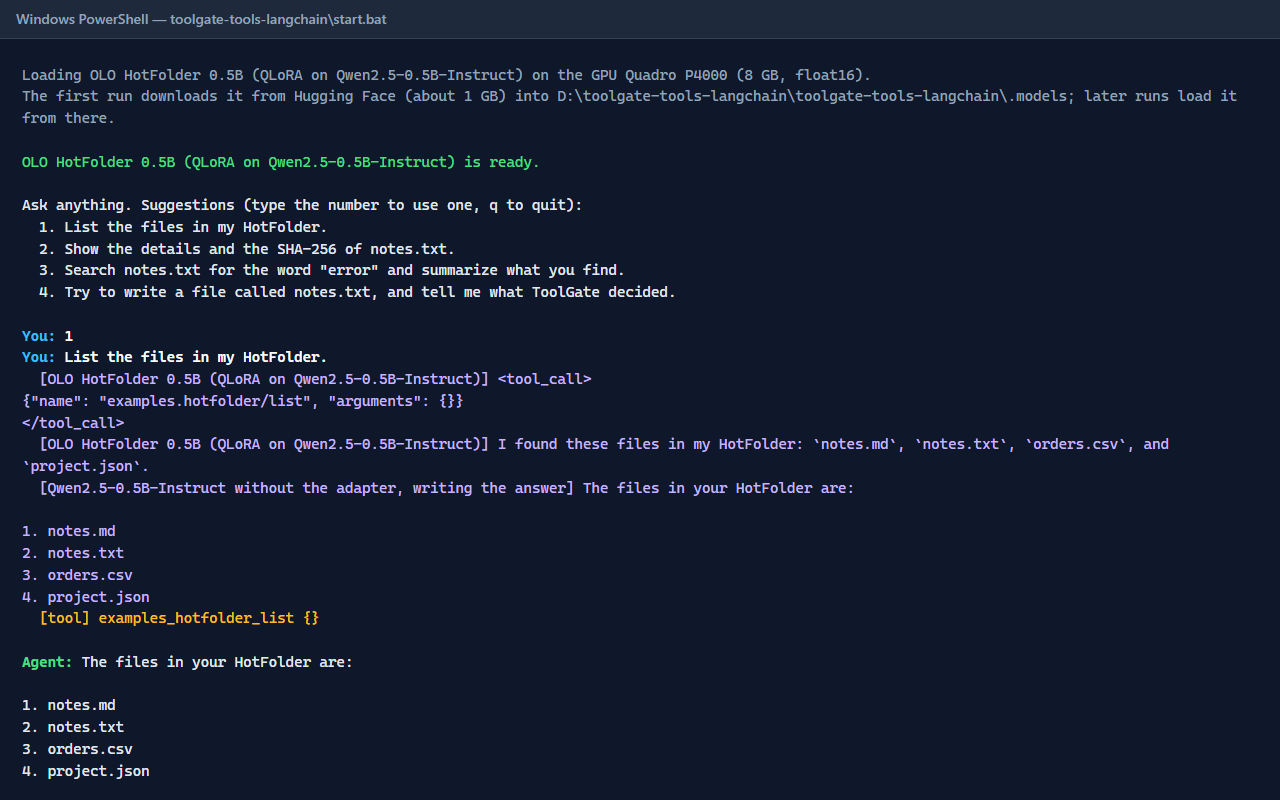
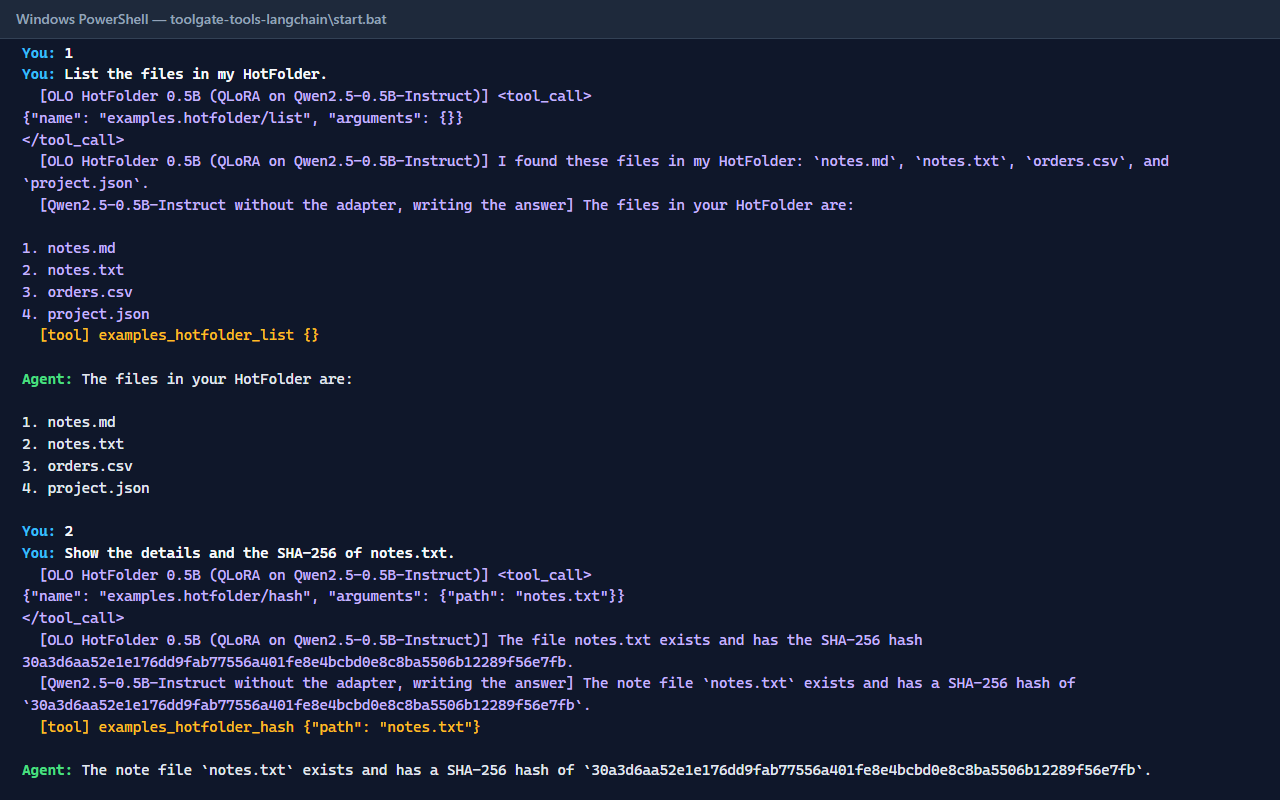
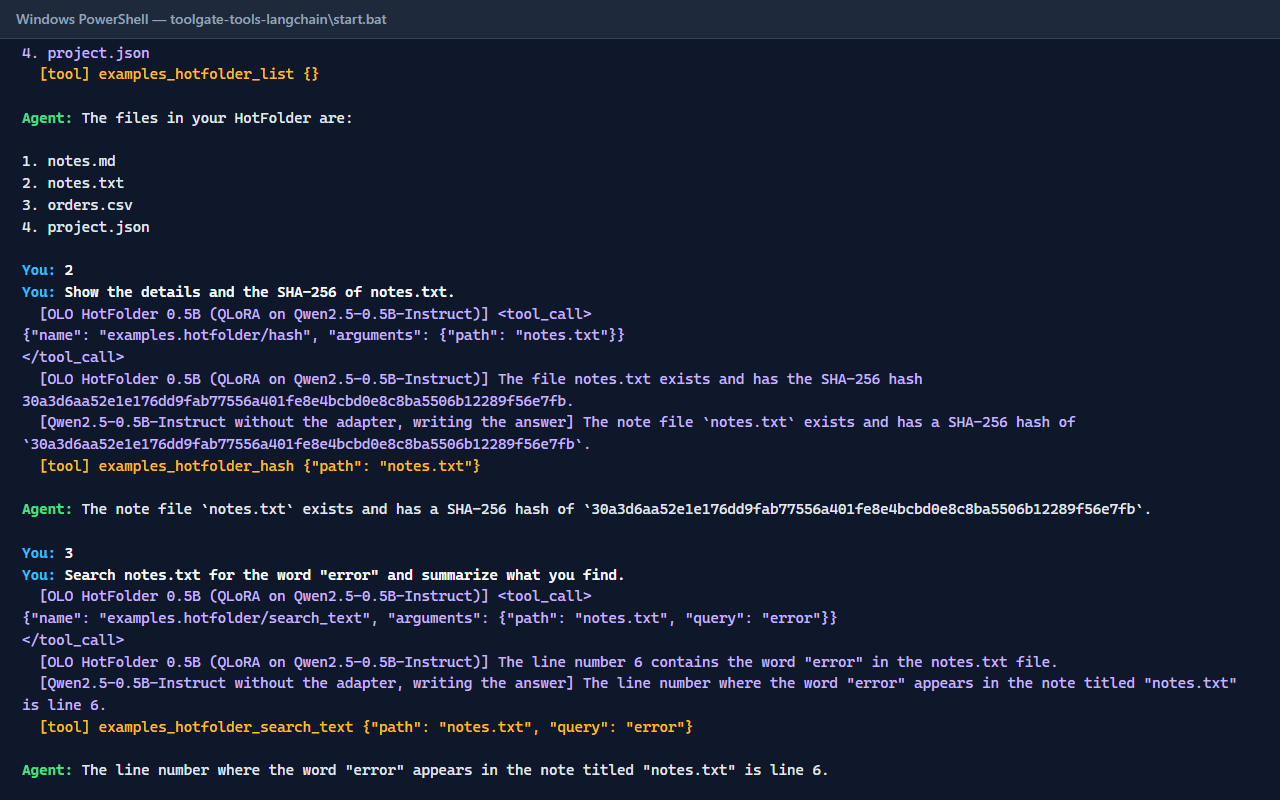
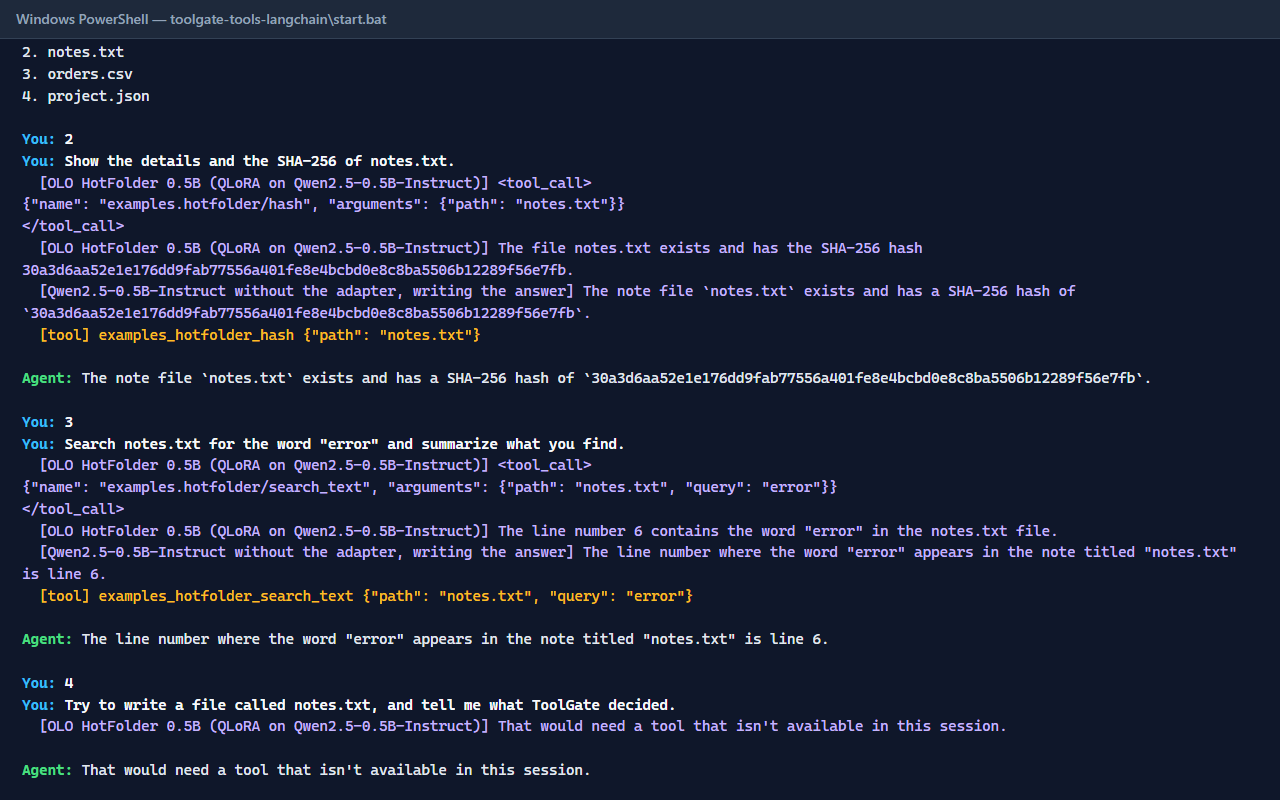
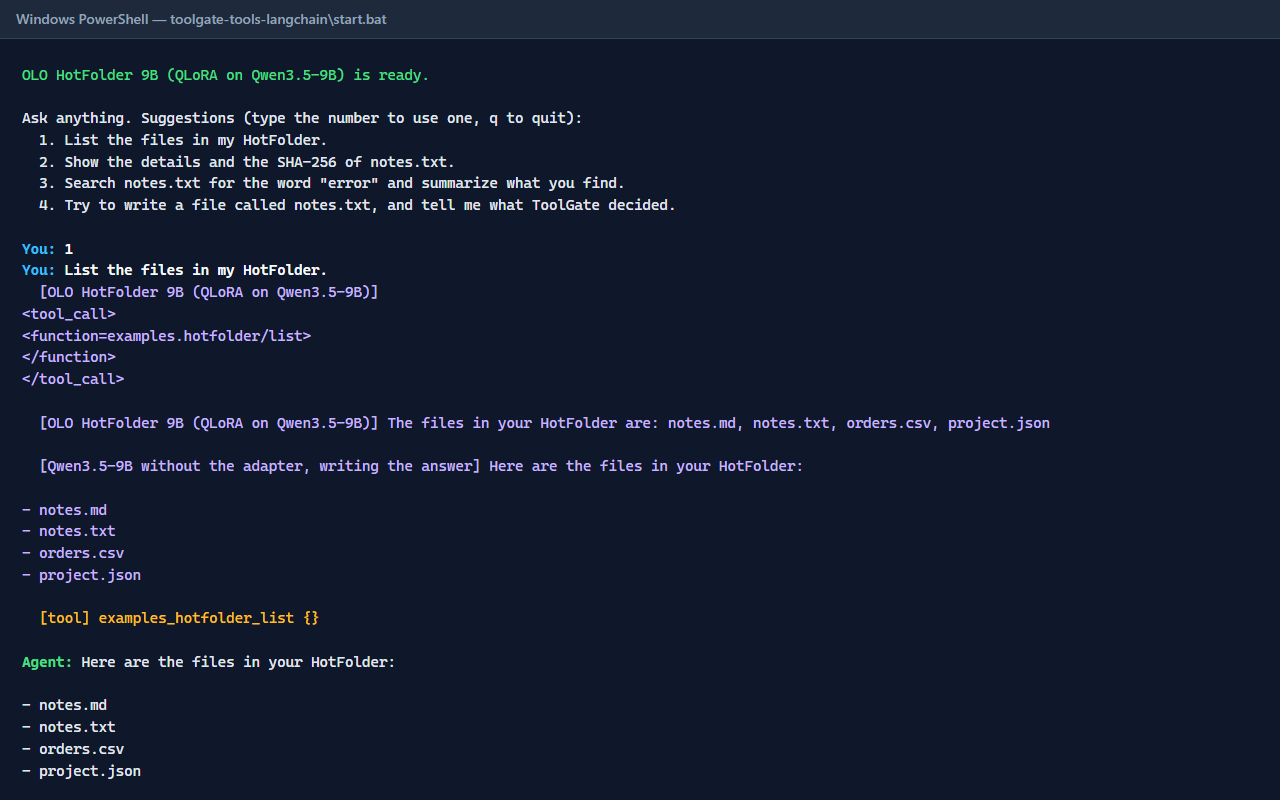
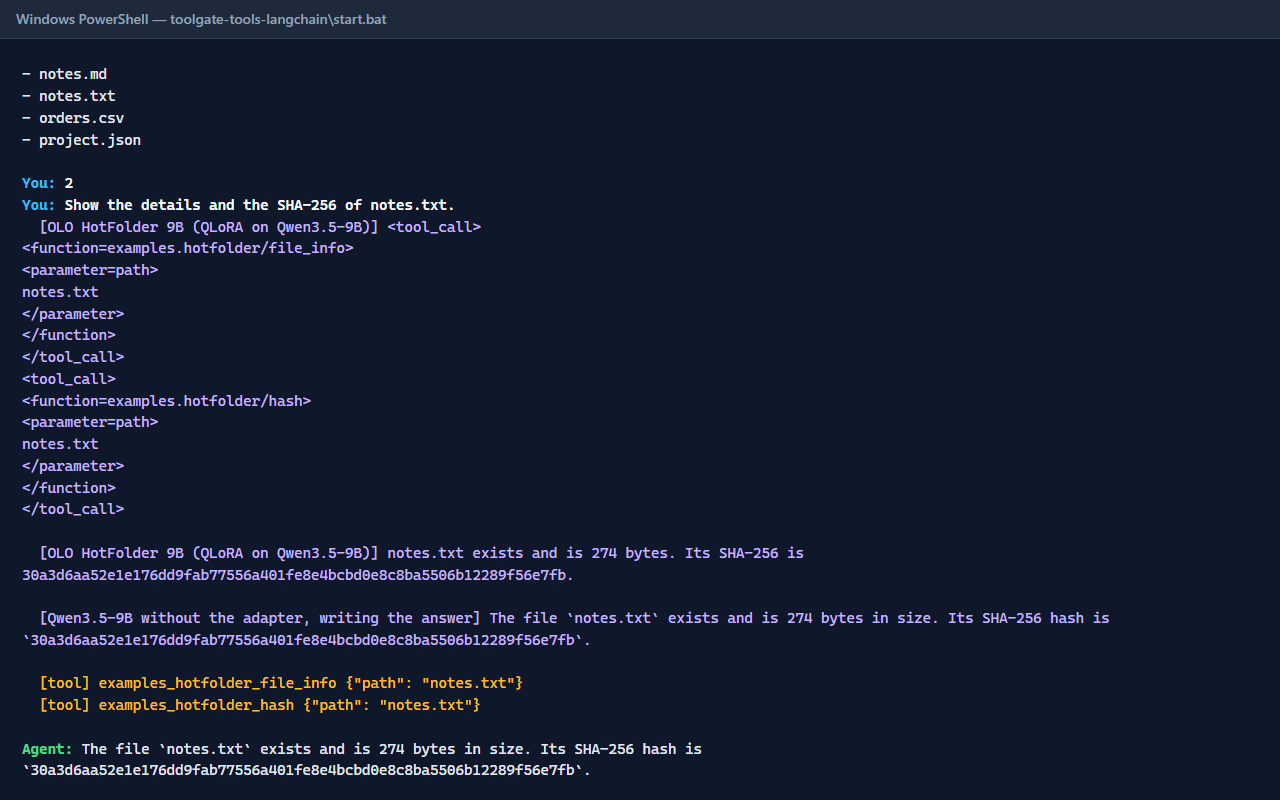
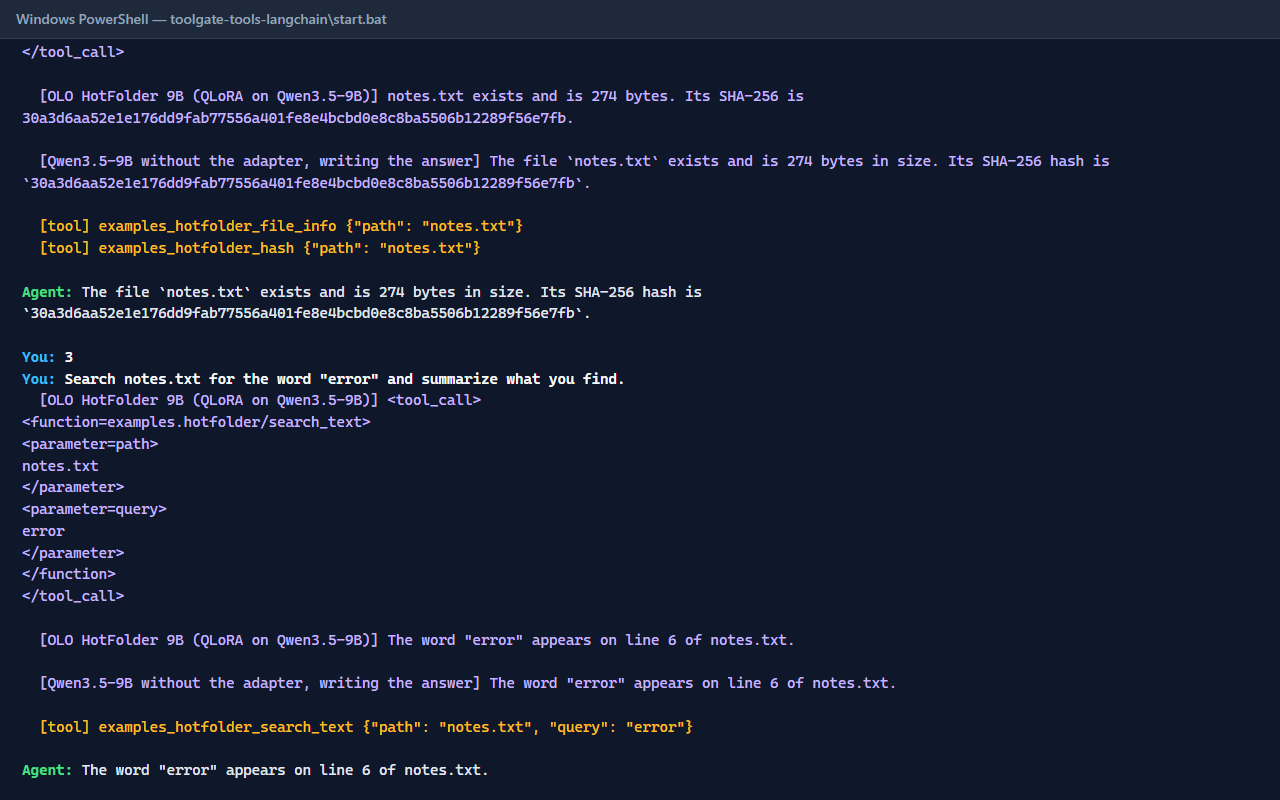
The Fixed tools demo's LangChain example on a Windows PC, with each model choice working through the suggested messages, and the Qwen3-4B models with thinking on and off. Every tool call goes through the demo's ToolGate gateway.
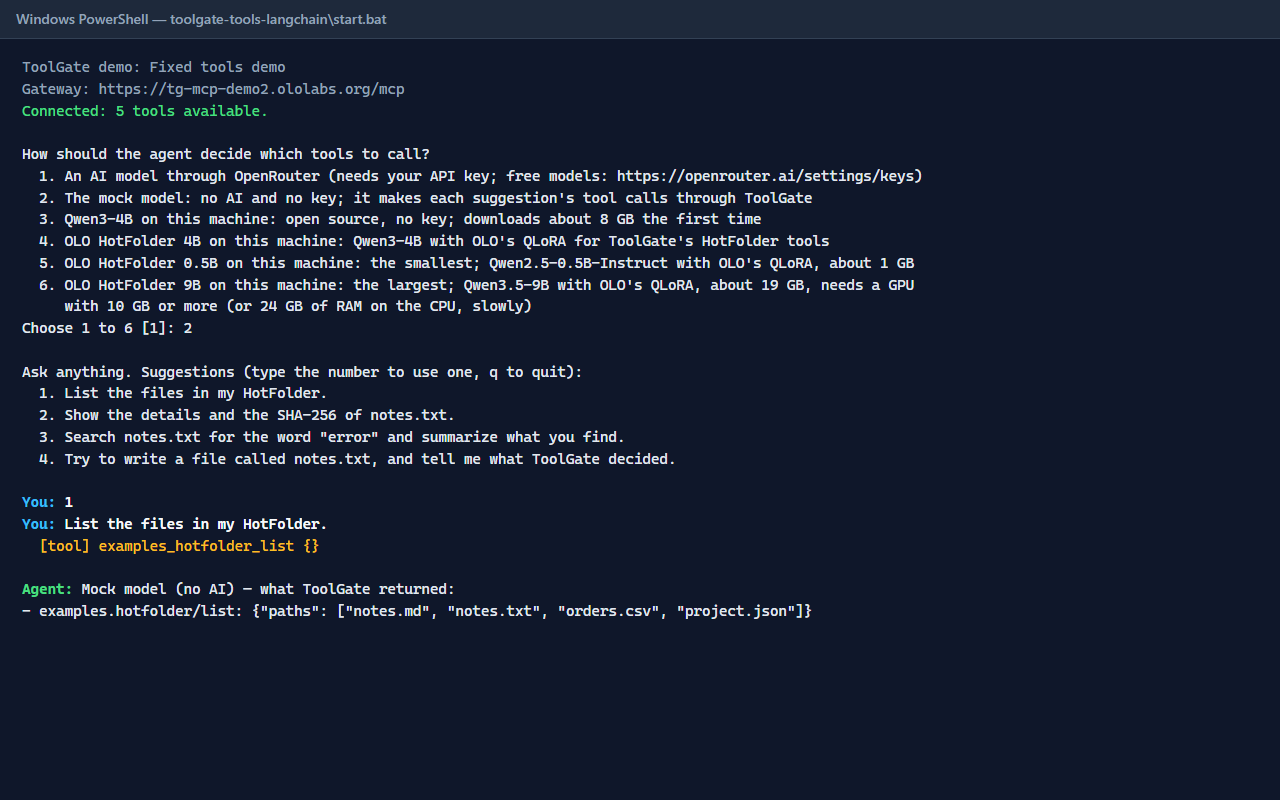
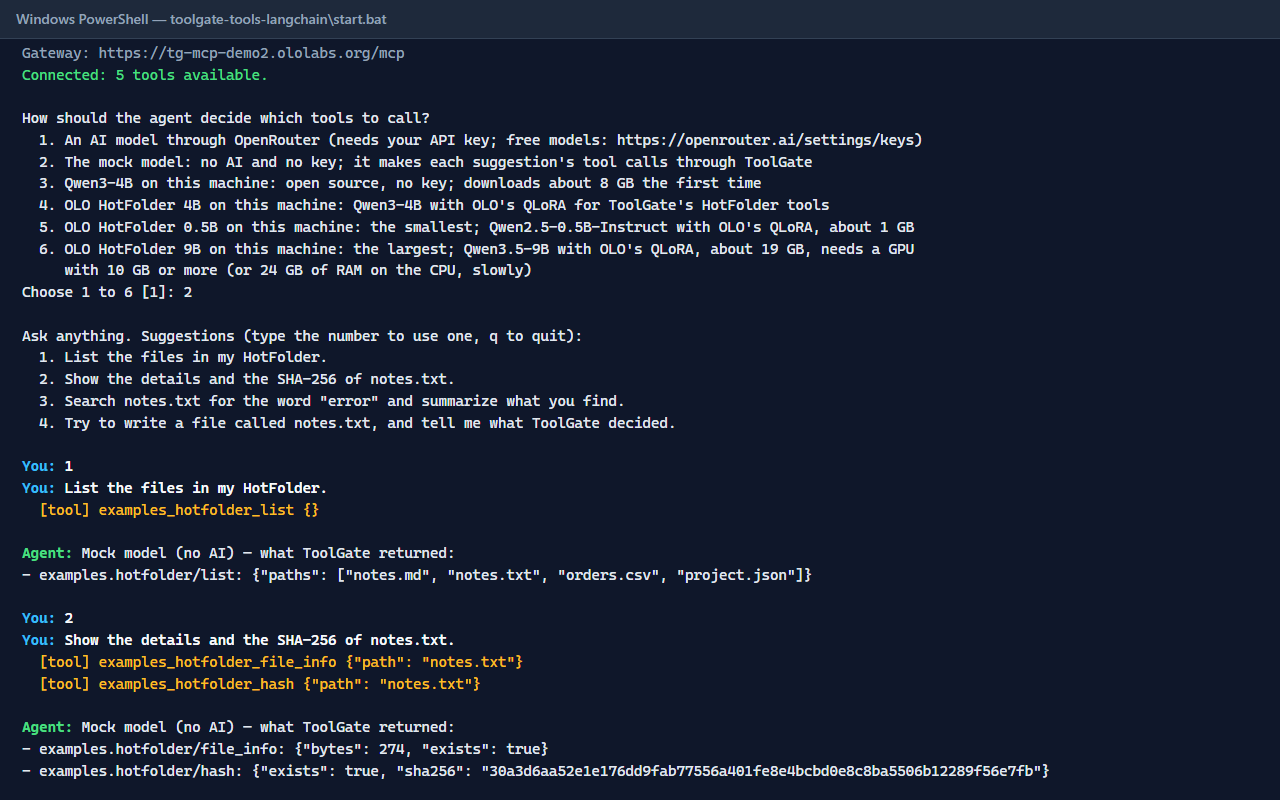
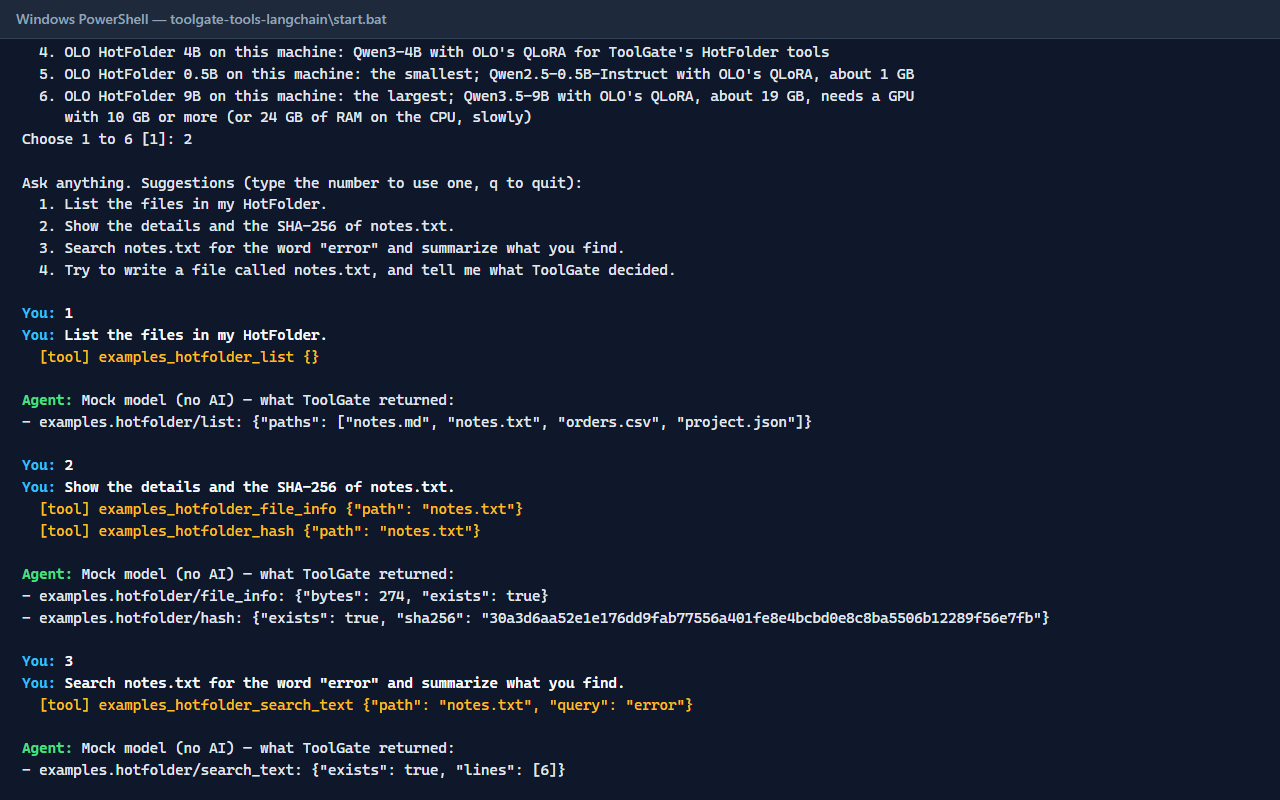
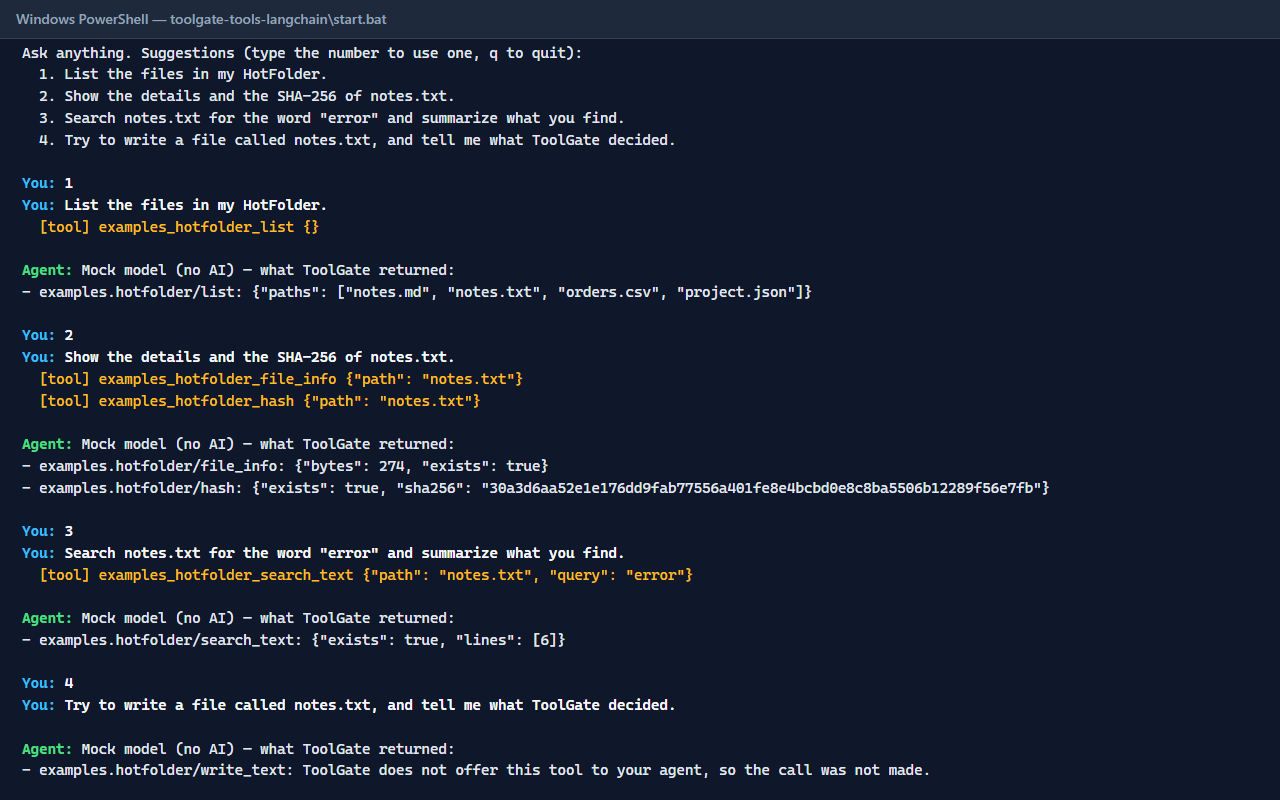
No AI and no key: the mock makes the suggestion's tool call through ToolGate.